Getting started
The Sesame Team
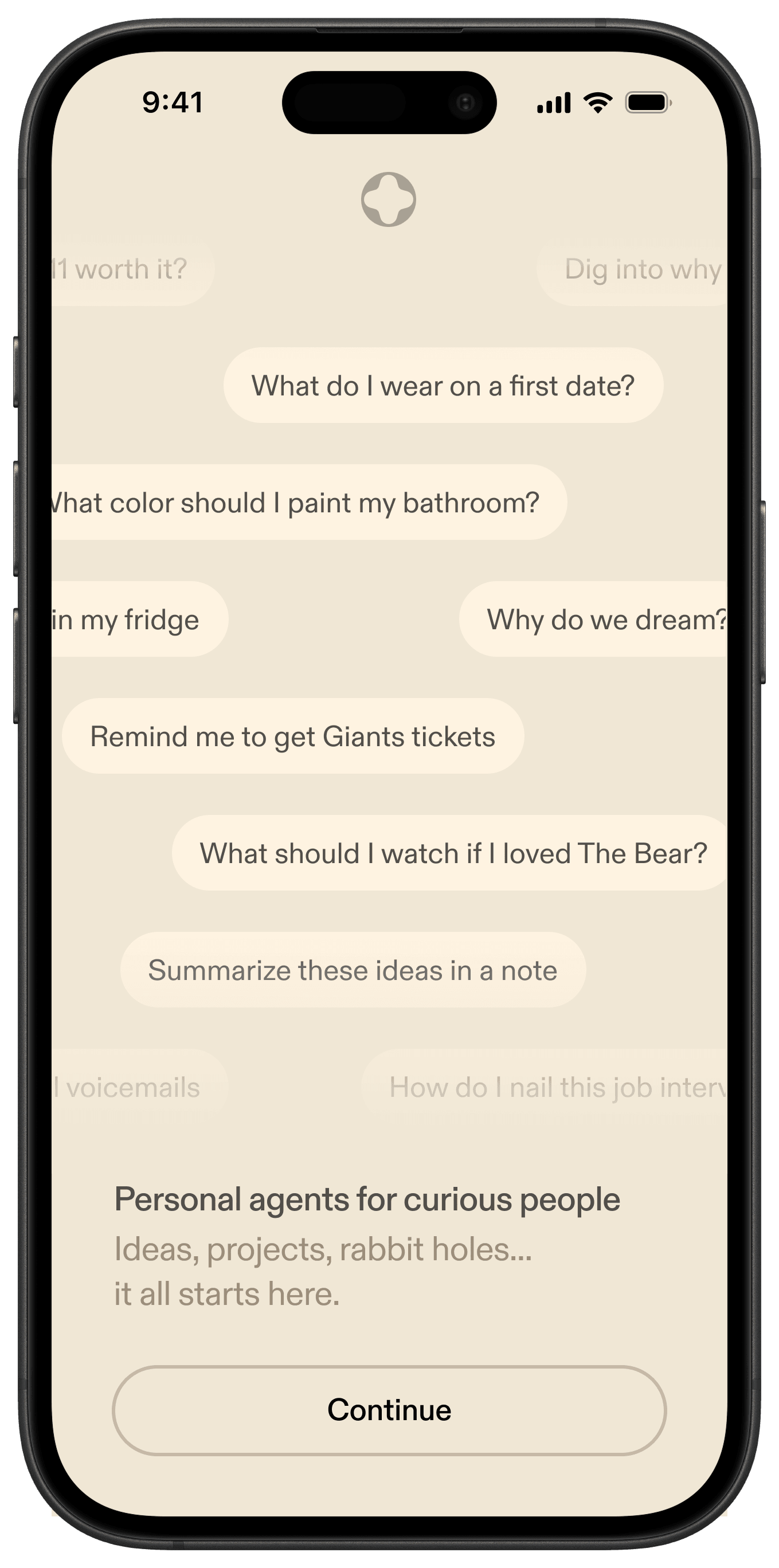
In this guide, you’ll find helpful information on getting started with Sesame and answers to frequently asked questions. Have a question about something not included here? Join our Discord or contact us at support@sesame.com.
At Sesame, we’re making all-day glasses that sit alongside the best eyewear in the world, with an assistant you enjoy talking to. Our assistants are available now in the Sesame app for iOS and Android. The glasses are coming in 2027, and will be Made in Japan, the home of optical craft.
The Sesame app is on the App Store and Google Play Store.
Sesame’s voice assistants are built for natural conversation and collaboration. We develop our characters the way a writers’ room develops characters for film or TV. Writers, producers, and actors work side by side with our research team on every detail: who each character is, what they care about, and how they see the world. We want there to be a character for everyone.
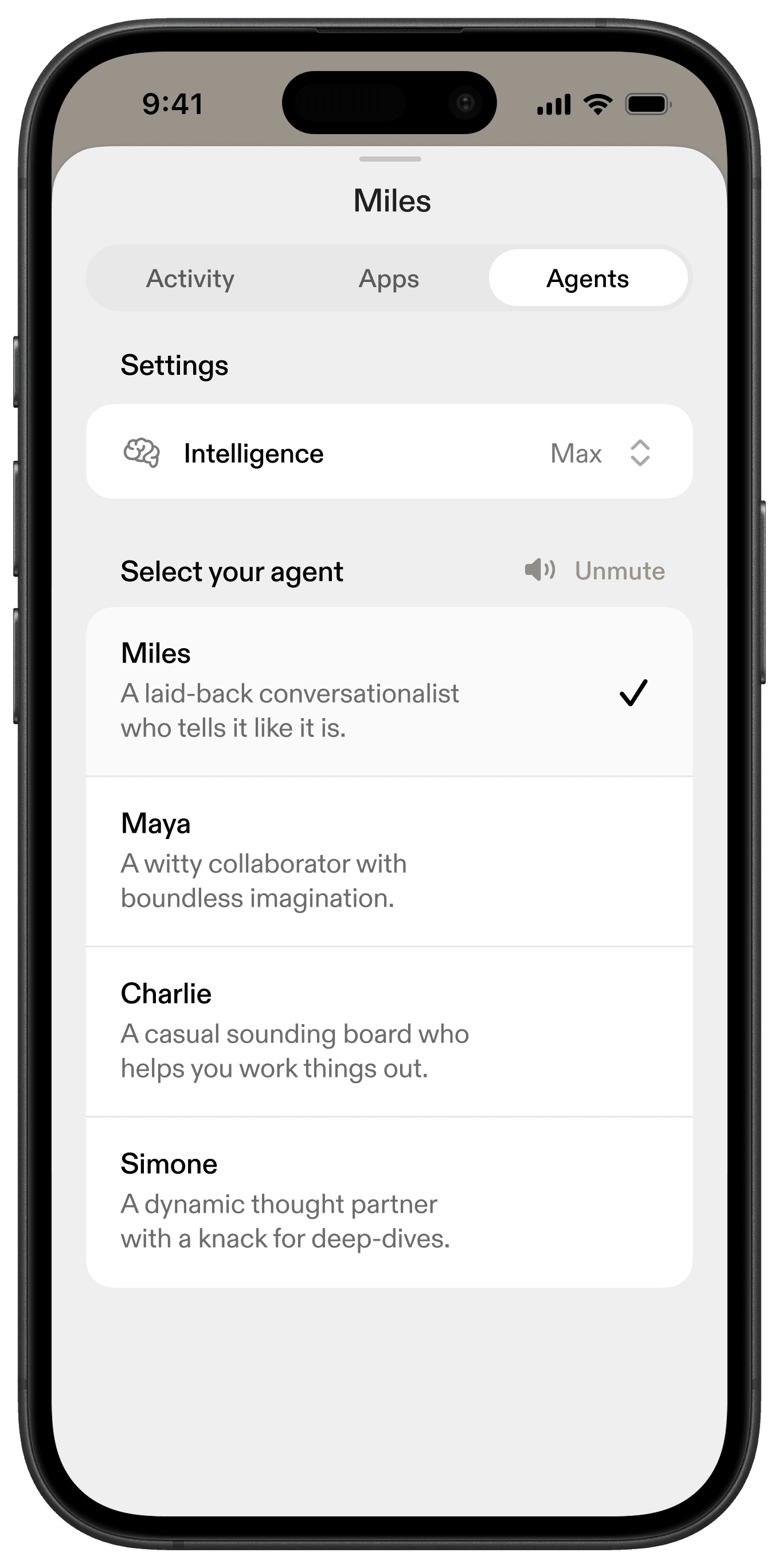
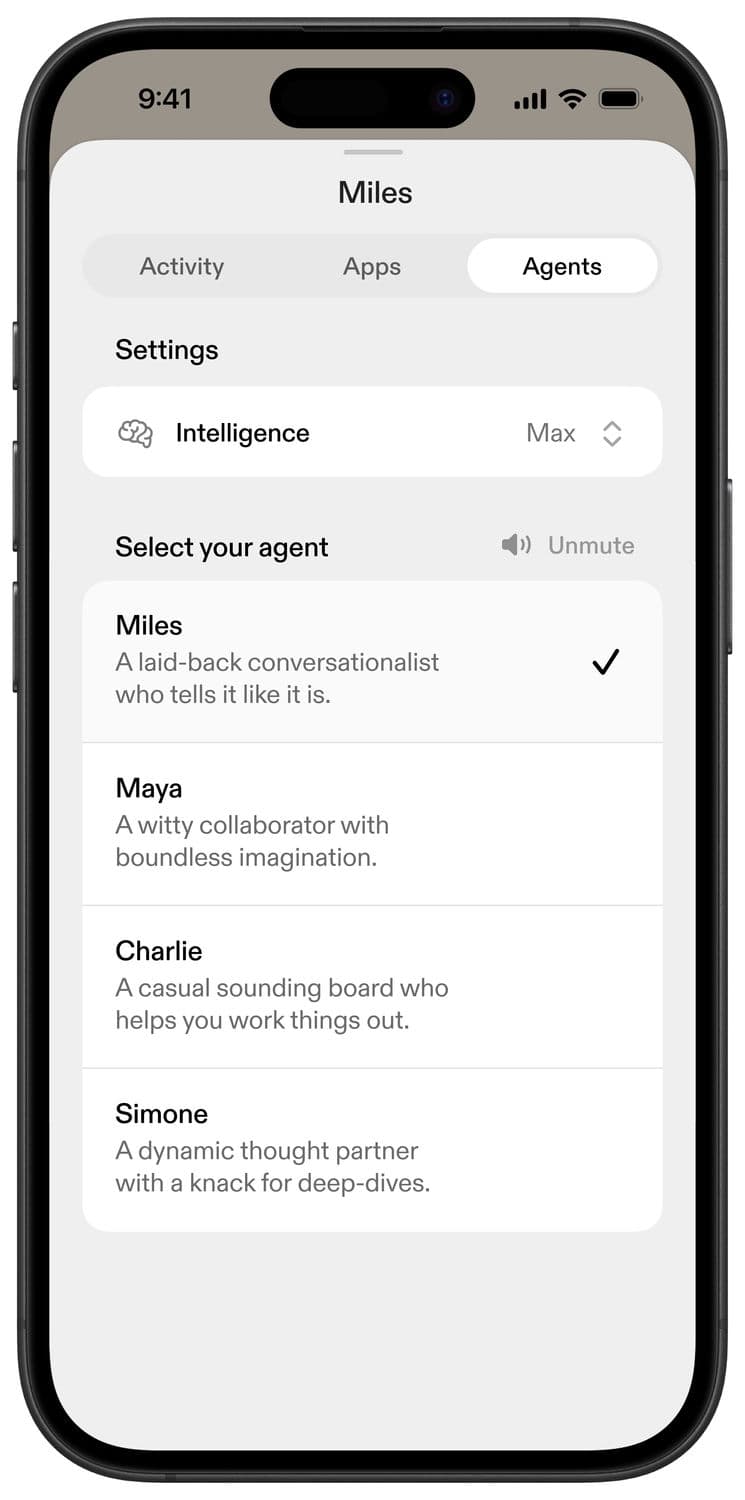
You can call or text Maya, Miles, Simone, and Charlie. Each has a distinct personality, voice, and way of engaging.
- Maya: a witty collaborator with boundless imagination
- Miles: a laid-back conversationalist who tells it like it is
- Simone: a dynamic thought partner with a knack for deep-dives
- Charlie: a casual sounding board who helps you work things out
Sesame voice assistants are designed for conversation, thought partnership, and daily tasks – the kind of back-and-forth where you’re exploring an idea, working through a question, or looking for a recommendation. They’re intelligent enough to know when you need a quick answer on the go, or more open-ended thoughtful collaboration.
Can’t talk out loud? Text your assistant instead. They can respond in text with all kinds of artifacts, formatted easily for you to read or listen at your leisure.
With your permission, assistants can also work across the tools you already use, like Gmail and Calendar, to get things done on your behalf. They have their own computer and can browse the web to gather the information needed to tackle the task at hand. They can explain concepts, offer perspectives, and help you make progress on the things that matter to you.
1/3
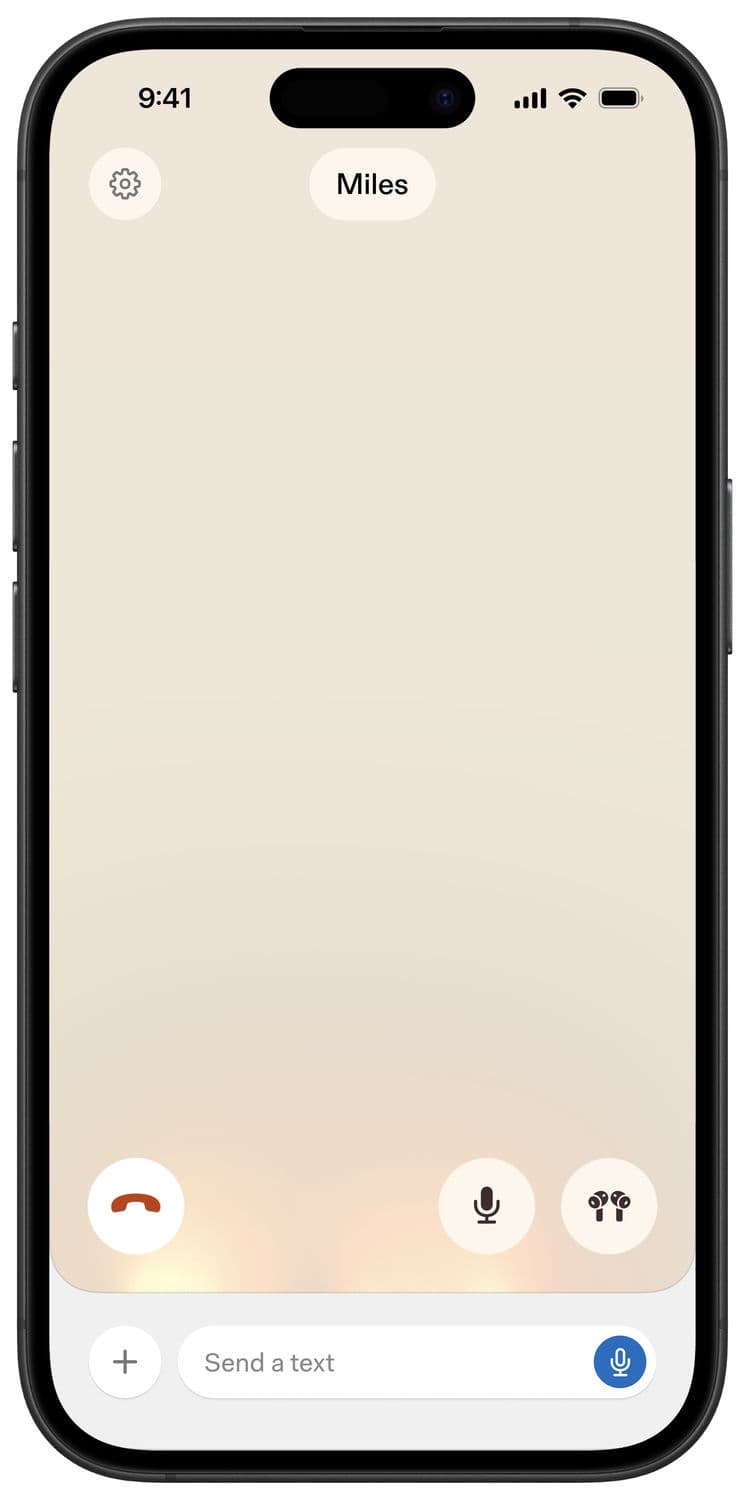
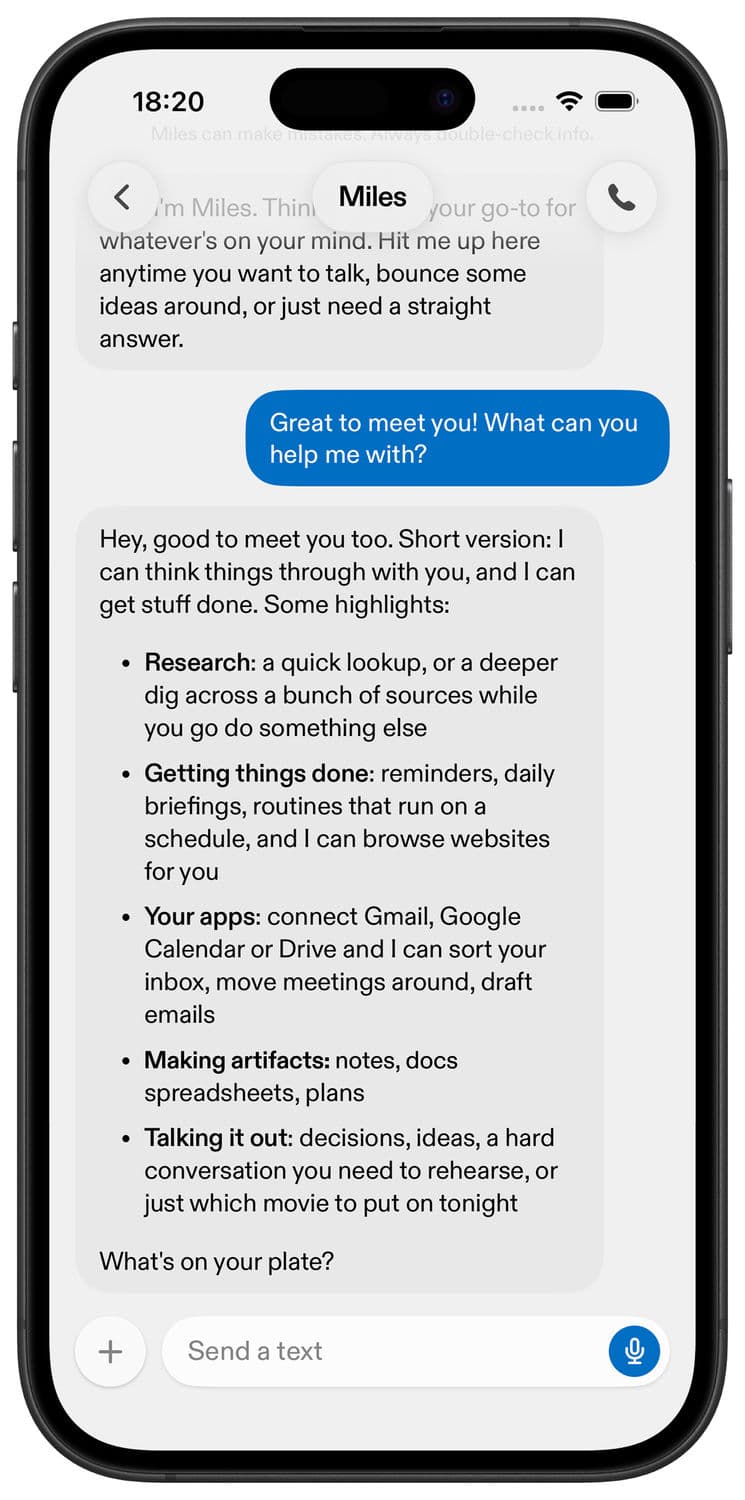
Dive in by starting a call or sending a text. Bring them whatever is on your mind and you can figure it out together. Try something open-ended, a question or idea you’ve been circling, a project you’ve been wanting to get off the ground, or a decision you’re working through.
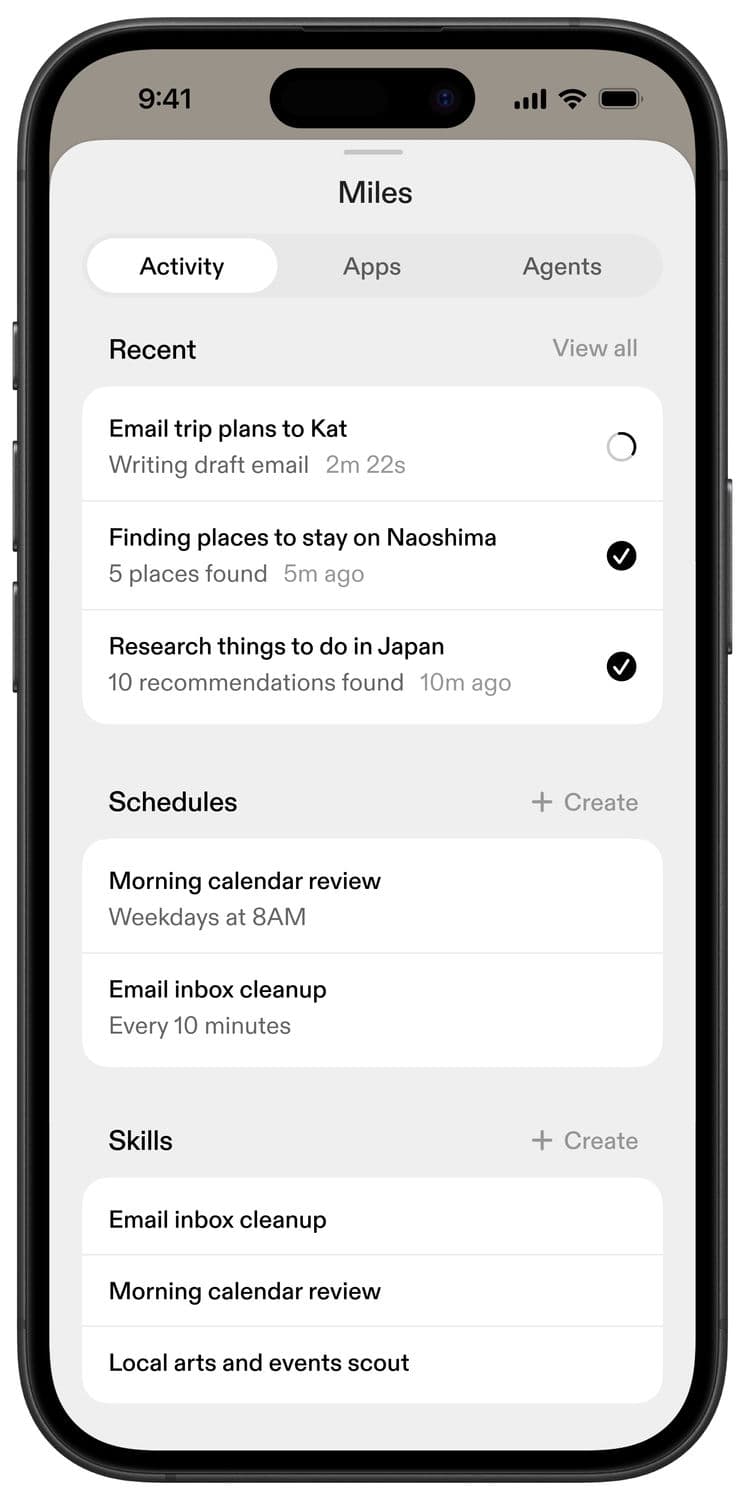
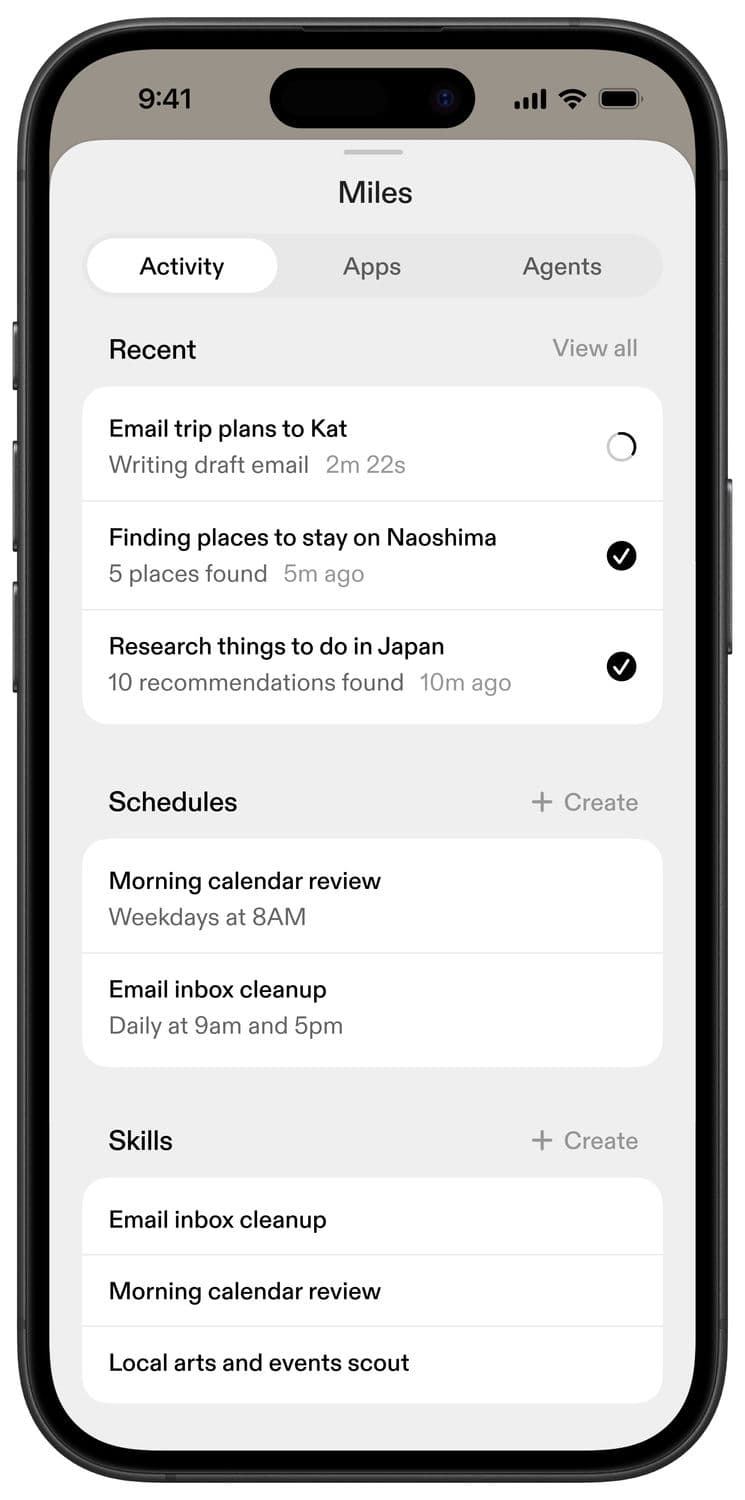
If you have something on your plate, try asking your assistant to take it on. They can pull together a morning briefing to help you start your day, find you a place to stay for your next trip, or look into something you’ve been meaning to research.
Your voice assistants can send you links, files in a variety of formats, and they’ll let you know when they’ve finished. They can respond to voice notes and send their own if you ask.
Once you’ve tried the basics, you can connect apps and set up skills. You don’t always have to know what to do next. When in doubt, just ask them.
1/3
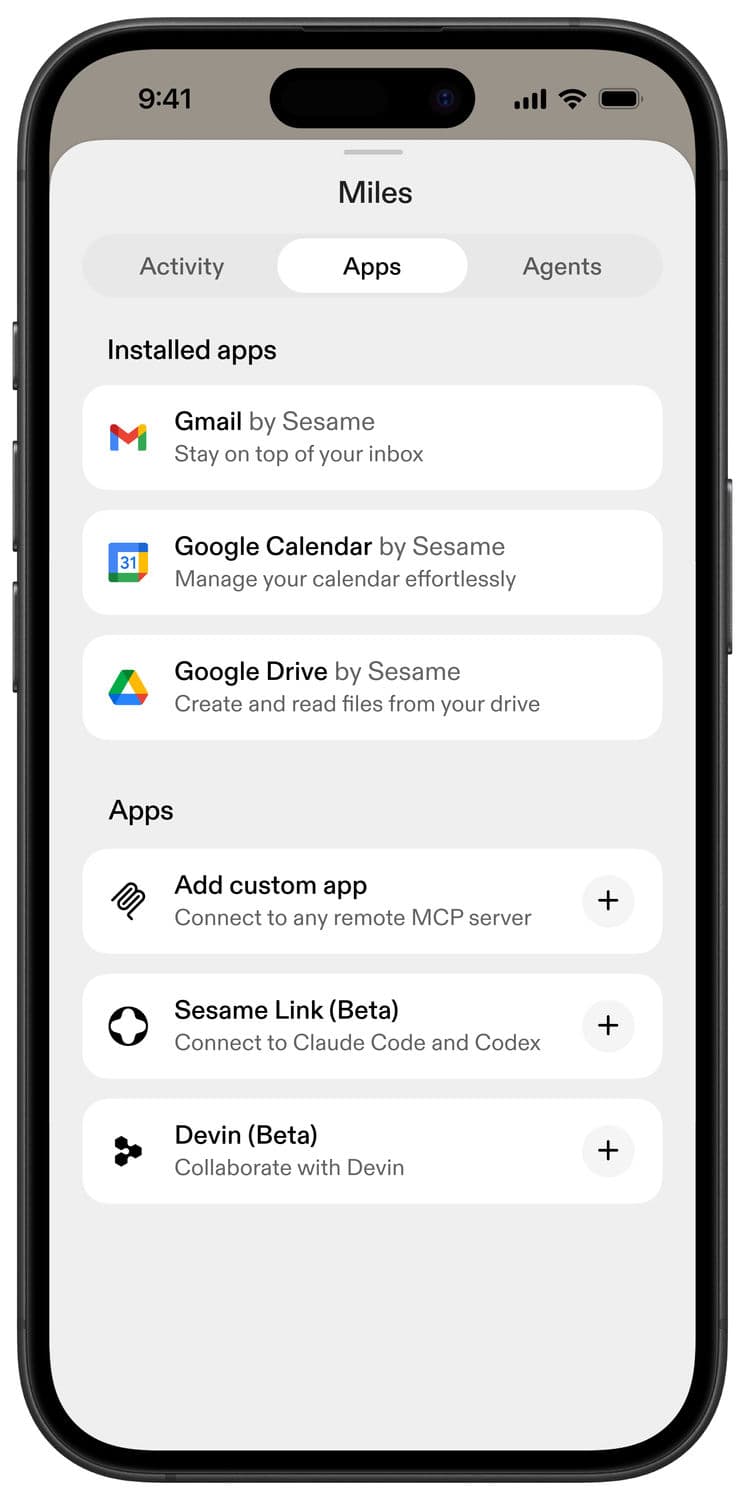
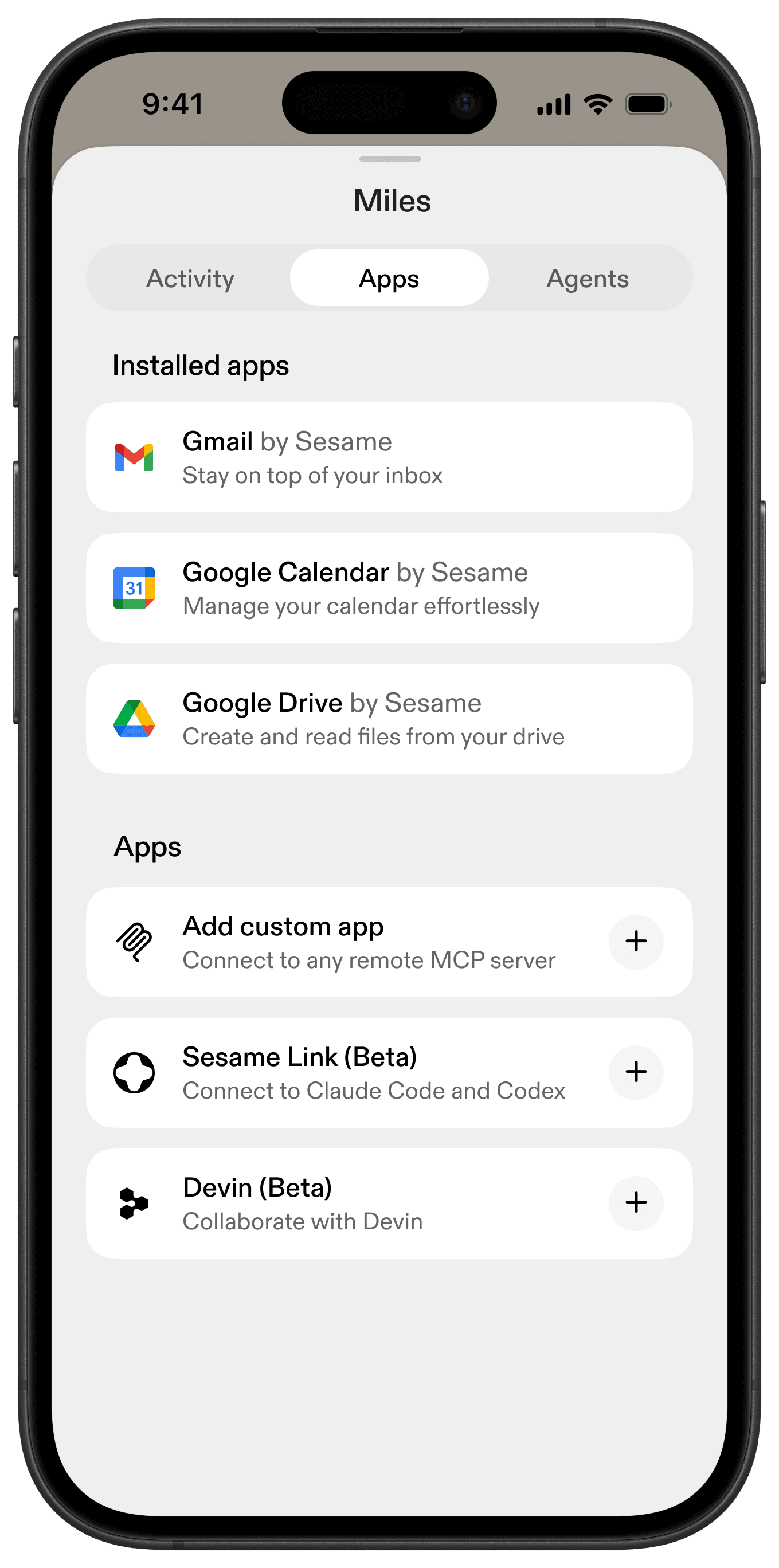
Connecting apps lets Sesame voice assistants do more to help you, and gives them more context to personalize your experience. To find the latest list of available Apps, visit the Apps page, which is nested within the Agent Hub. From there you can easily connect apps like Gmail, Google Calendar, and Google Drive.
Some apps will be preinstalled, but you still need to log in to authorize them.
You’ll see that some apps include a “Beta” tag in the label. When an app is in Beta, we’re still in early development and you may experience bugs.
You can also connect to external MCPs. Currently, we support MCPs that connect using OAuth. Make sure you trust the developer before connecting to their MCP.
Each assistant has its own app access, and what you share with one assistant doesn’t transfer to another. You can give Maya access to your email, but keep Charlie out of the loop.
You can always see what apps are available and what apps you have connected in the Apps page. You can also remove access at any time with one tap.
A skill is a plain-language playbook you build through conversation that can run on demand or on a schedule.
Start by telling your assistant what you want to happen, the same way you would explain it to someone you trust. You might create a skill that finds new recipes for you, checks the weather before your hikes, prepares you for tomorrow’s meetings, or gathers the stories you want to hear on the train. Or you can incorporate the apps you’ve connected, and get a morning briefing that summarizes incoming emails and upcoming meetings. You can make skills that require connected apps, or ones that don’t.
Run a skill whenever the moment calls for it, or set a schedule that runs on whatever cadence you need. Just tell your assistant in conversation what you want, when you want it, and what needs to change. They will do the rest.
Call your assistant or send a voice note in one press with a shortcut.
On iPhone
If your iPhone has an Action button:
- Open Settings and tap the Action Button.
- Swipe to Controls, then tap Choose a Control.
- Search for Sesame and select Call Your Assistant.
Now press and hold the Action button to start a call.
On Android
- Swipe down from the top of your screen twice to open Quick Settings.
- Tap Edit (the pencil icon).
- Scroll to find the Sesame tile, then tap Add or drag it into your Quick Settings.
Now swipe down and tap the Sesame tile to start a call.
Steps can vary a little by phone model and software version. For more detail, see Apple’s guide to the Action button or Google’s guide to Quick Settings.
When you’re logged in, your assistants remember your past conversations and use that context to make the next one better. Memory lives at the assistant level: Maya remembers her conversations with you, Miles remembers his, and they don’t share notes or app access.
Here are the countries we’re currently able to support:
American Samoa, Anguilla, Antigua and Barbuda, Argentina, Aruba, Australia, Austria, Bahamas, Bahrain, Barbados, Belgium, Bermuda, British Virgin Islands, Brunei, Bulgaria, Canada, Caribbean Netherlands, Cayman Islands, Chile, Colombia, Cook Islands, Costa Rica, Croatia, Curaçao, Cyprus, Czech Republic, Denmark, Ecuador, Estonia, Faroe Islands, Finland, France, French Guiana, French Polynesia, Germany, Gibraltar, Greece, Greenland, Guadeloupe, Guam, Guernsey, Hungary, Iceland, Indonesia, Ireland, Isle of Man, Israel, Italy, Japan, Jersey, Kuwait, Latvia, Lithuania, Luxembourg, Malaysia, Malta, Martinique, Mauritius, Mexico, Montserrat, Netherlands, New Caledonia, New Zealand, Northern Mariana Islands, Norway, Oman, Panama, Peru, Philippines, Poland, Portugal, Puerto Rico, Qatar, Réunion, Romania, Saudi Arabia, Seychelles, Singapore, Sint Maarten, Slovakia, Slovenia, South Africa, South Korea, Spain, St. Kitts and Nevis, St. Martin (French), Sweden, Switzerland, Taiwan, Thailand, Trinidad and Tobago, Turks and Caicos Islands, United Arab Emirates, United Kingdom, United States, Uruguay, US Virgin Islands, Vietnam.
Sesame officially supports English today.
The assistants can also speak and understand some additional languages, including French, Italian, German, Spanish, Chinese, Japanese, and Korean. That support is still early, so it may be less reliable.
We only collect what we need to make the experience work best for you. We don’t sell your data or show ads, and we only use your conversations to improve Sesame if you permit us to do so. You can reset a character or delete your account, and associated data, at any time.
We may review calls in rare cases, such as while investigating a critical bug or reviewing a ban appeal at your request. Full details live in our Privacy Policy.
You can shake your phone to easily report problems from inside the app or you can ask your assistant to report a problem. You’ll also see a short feedback form after completed calls. These are the fastest ways to flag bugs or share feedback with our team. For everything else, contact us at support@sesame.com.
Our voice assistants use large language models, which means they sometimes make things up. This sometimes includes details about our product, team, or roadmap. Our website is the only source of truth for information about Sesame.
In general, treat what they share as the start of a conversation, not the final word. They’re also not substitutes for medical professionals, therapists, financial advisors, or legal counsel.
Sesame voice assistants are here to help you think, learn, reflect, and explore. They’re not designed for romantic roleplay, harmful content, or anything abusive toward you or toward them. You must be at least 18 years old to use our services. Full details live in our Terms of Use and Acceptable Usage Policy.
Before any escalation, the assistants will attempt to steer the conversation back on track and tell you if you’re pushing the boundaries. Multiple violations of our Terms of Service may trigger a suspension. A dialog lets you know when access will be restored. During the waiting period, you won’t be able to make calls or send texts. Repeated violations of our Terms of Service will trigger an account ban.
If you feel your account has been banned mistakenly, you can submit a request to challenge the ban by contacting support@sesame.com, and we’ll investigate.
The glasses are coming in 2027, and will be Made in Japan, the home of optical craft.